JACKZER

A JACKZER Guide

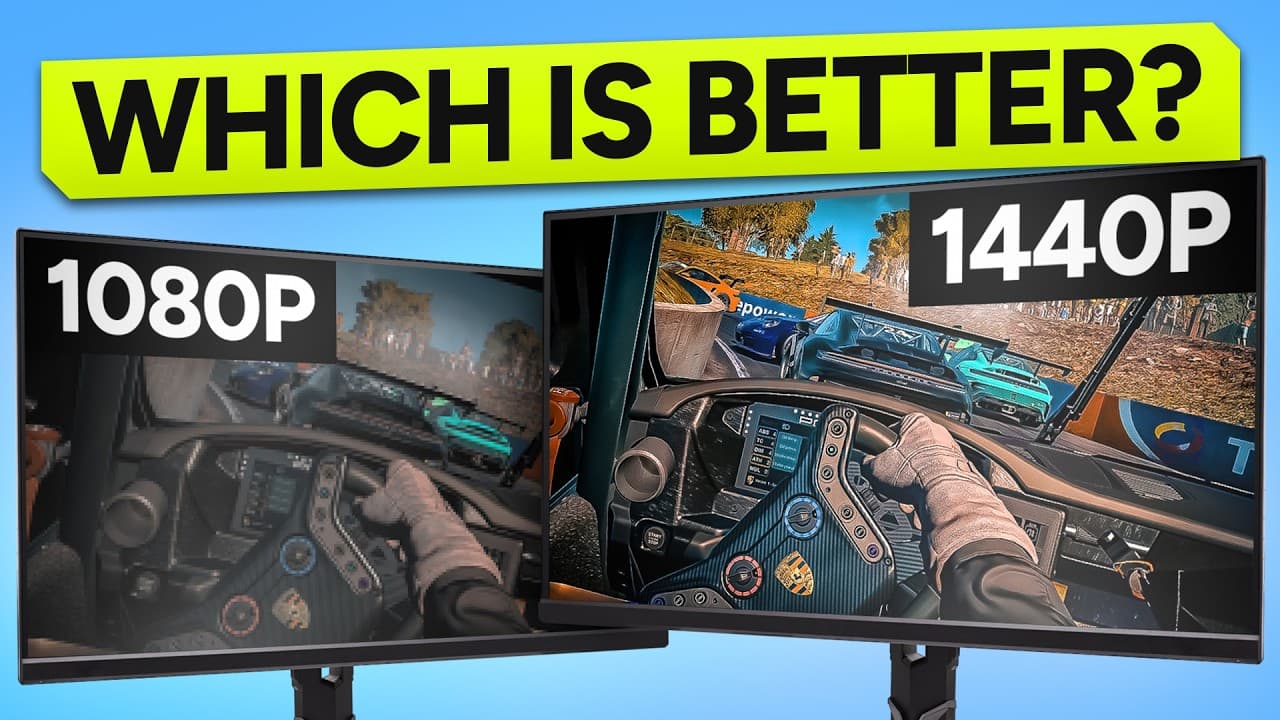
Triple 1080p
or triple 1440p?

There's no universally correct answer here. There's a correct answer for your PC, your budget, and how you actually use your rig. This is how I'd think it through in 2026, with real numbers, the costs nobody warns you about, and the call I made for my own setup.

11 min readGuideHardware decision

Start here

Single screen has answered itself.
Triples haven't.

In 2026, 1440p is the floor for a single monitor. Anyone telling you to buy a 1080p panel for a single-screen setup right now needs a specific reason. That debate is mostly over.

Triples are different. Three monitors, two resolutions, two very different rigs at very different price points, and a PC bill that scales harder than people expect. That's the call this guide is trying to make easier.

Both setups are valid. Neither is wrong. The right one depends on what you're actually trying to do.

The cost picture

Money on the table.

Numbers below are EU street prices in 2026. Your local market and your taste in panels will move them around, but the gap between the two setups stays roughly consistent. Mounting solutions vary wildly, so the full-setup range is wider than it looks.

Line item

Triple 1080p

Triple 1440p

  • Panel cost

    per monitor

    €150 to €220
    €280 to €450
  • All three panels

    monitors only

    €450 to €660
    €840 to €1,350
  • Typical full setup

    panels, arms, cables, mounts

    €700 to €950
    €1,100 to €1,700

Cost gap, monitors only

~€390 to €690

The straight panel-to-panel difference across the three screens. Less than people expect, more than they want.

Cost gap, full setup

~€400 to €750

And this is before you factor in the PC cost. Keep reading.

The hidden cost

The bill your PC quietly hands you.

There's a second cost almost nobody factors in, and it's the one that bites people six months after their rig is built. Your PC.

Triple 1080p is genuinely forgiving. When I first set up three 1080p panels I was honestly surprised. The computer didn't blow up, the frames were stable, the whole thing just worked, even on older mid-range hardware. Lived experience, not marketing copy.

Triple 1440p is a different animal. Almost 1.8 times the pixels. More GPU, more VRAM, more cooling, more power. If your hardware is anywhere near the edge, the experience can be worse than a well-tuned 1080p setup. That's the trap.

When I went to triple 32 inch 1440p, my PC was lacking at first. I built it up to suit the screens, not the other way round. Plan for that.

Same three monitors, two pixel budgets

Triple 1080p

1920 × 1080 × 3

6.22 million pixels

Triple 1440p

2560 × 1440 × 3

11.06 million pixels

~1.78× the load

Same scene, same sim. The GPU has to render almost 1.8 times as many pixels at 1440p. That cost shows up as heat, fan noise, lower FPS, and eventually a new PSU.

The 1080p case

Where triple 1080p still earns its place.

People dismiss 1080p too quickly. I ran triple 1080p for years and the only reason I left was content creation. If you don't need cinematic replays, 1080p is still a strong call.

Wins

Where 1080p triples win

  • Significantly cheaper across the board, panels, arms and PC.
  • Easier to hold high, consistent FPS, even at race starts.
  • Runs on mid-range and older gaming PCs without drama.
  • Stronger fit for competitive esports racing.
  • Simpler single PC streaming through OBS.
  • 120 to 160 Hz refresh stays in reach.
  • Lower VRAM, lower heat, quieter fans.
  • Best value if you already own one 1080p panel.

Trade-offs

Where 1080p triples give up

  • Noticeably softer on 27 inch panels and bigger.
  • Distant braking markers and apex references are harder to read.
  • UI, mirrors and dashboards look a touch fuzzy.
  • Screen door effect is more visible.
  • Replays come out less cinematic.
  • Most people end up upgrading later anyway.
  • Eye strain rises when you use the rig for desktop work.

The 1440p case

Why triple 1440p is the sim racing sweet spot.

When the hardware is there to support it, 1440p triples are genuinely lovely. Sharper at every glance, sweeter on the eyes for long sessions, and they double as a proper workstation when you're not racing.

Wins

Where 1440p triples win

  • Much sharper image, especially on 27 and 32 inch panels.
  • Braking points, apex markers and mirrors all read cleaner.
  • Better dash and overlay clarity.
  • Stronger immersion, widely considered the triples sweet spot.
  • Better content creation, recordings and replays.
  • Buy-once option that ages well.
  • Doubles as a proper workstation when the rig is off duty.
  • Future-proofs you for the next GPU upgrade.

Trade-offs

Where 1440p triples give up

  • Significantly higher purchase cost from the start.
  • Needs a strong GPU to run cleanly.
  • Lower FPS when the GPU can't keep up.
  • More heat, more fan noise, more power draw.
  • Often forces a PSU and GPU upgrade alongside it.
  • Almost 1.8 times the pixel load of triple 1080p.
  • Demanding sims like ACC make it sweat at race starts.
  • If your hardware is weak, the experience can be worse than well-tuned 1080p.

The thing nobody mentions

Pixels per degree decide whether a panel looks sharp.

Resolution alone doesn't decide whether a panel looks crisp. The relationship between your seating distance and the panel size does. The same principle is why a 90 inch TV in the electronics shop looks rough up close and stunning from across the showroom. You're not looking at a bad panel, you're looking at it from the wrong distance.

For sim racing, your eyes sit roughly an arm's length from the centre monitor. That distance, paired with panel size, decides whether 1080p looks sharp or pixelated, and whether 1440p feels worth the extra load on your PSU.

Ignore reviewers telling you to keep panels small to count individual pixels. They're writing for FPS shooters. Sim racing wants horizontal field of view and presence. Go a touch bigger than you think.

Top-down view, approximate wingspans

Driver position at the bottom of each canvas

Triple 27 inch

Sharpest 1080p triples

Resolution
1080p sweet, 1440p workable
Wingspan
~50 inches / 1.28 m
Horizontal FOV
~115 degrees horizontal

The pixel density 1080p actually wants at sim seating distance. Holds frames on mid-range PCs. Lower bezel cost. The honest entry triple.

Triple 32 inch

Maximum immersion 1440p

Resolution
1440p sweet, 1080p too soft
Wingspan
~60 inches / 1.52 m
Horizontal FOV
~125 degrees horizontal

The 1440p sweet spot at sim distance. The most car you will ever see from a normal rig. Demands a real GPU and a rig that holds the weight.

Ultrawide

One panel, no bezels

Resolution
21:9 or 32:9, scales to your GPU
Wingspan
~34 to 47 inches
Horizontal FOV
~95 to 108 degrees horizontal

One mount, no bezels, less wraparound. Easier on the PC than triples. Less side vision, which matters more in door-to-door racing than time trial.

Diagrams assume a normal sim seating distance, roughly an arm's length from the centre monitor, and a 55 degree wing angle on the triples. Closer than that, drop a panel size.

Spot yourself

Two profiles. One should sound familiar.

If you read one of these and nod through every line, you've probably got your answer. If you're split between them, that's information too.

1080p

Triple 1080p is for you if

  • You race competitively and FPS consistency comes first.
  • Your gaming PC is mid-range, older, or you have no plans to upgrade.
  • Budget is the main constraint shaping your build.
  • You already own a 1080p panel and want to extend it.
  • You stream from a single PC and need headroom for OBS.
  • You want triples for the field of view, not the visual fidelity.
1440p

Triple 1440p is for you if

  • You already have, or plan to build, decent PC hardware.
  • You create content and want your viewers to see clean visuals.
  • Immersion and the dream rig feeling matter as much as lap time.
  • You want a buy-once setup that holds up for years.
  • You're going 27 or 32 inch panels for proper presence.
  • You use the rig as a workstation outside of racing too.

My call

What I run, and why.

For what it's worth. Your situation might land you somewhere else, and that's fine.

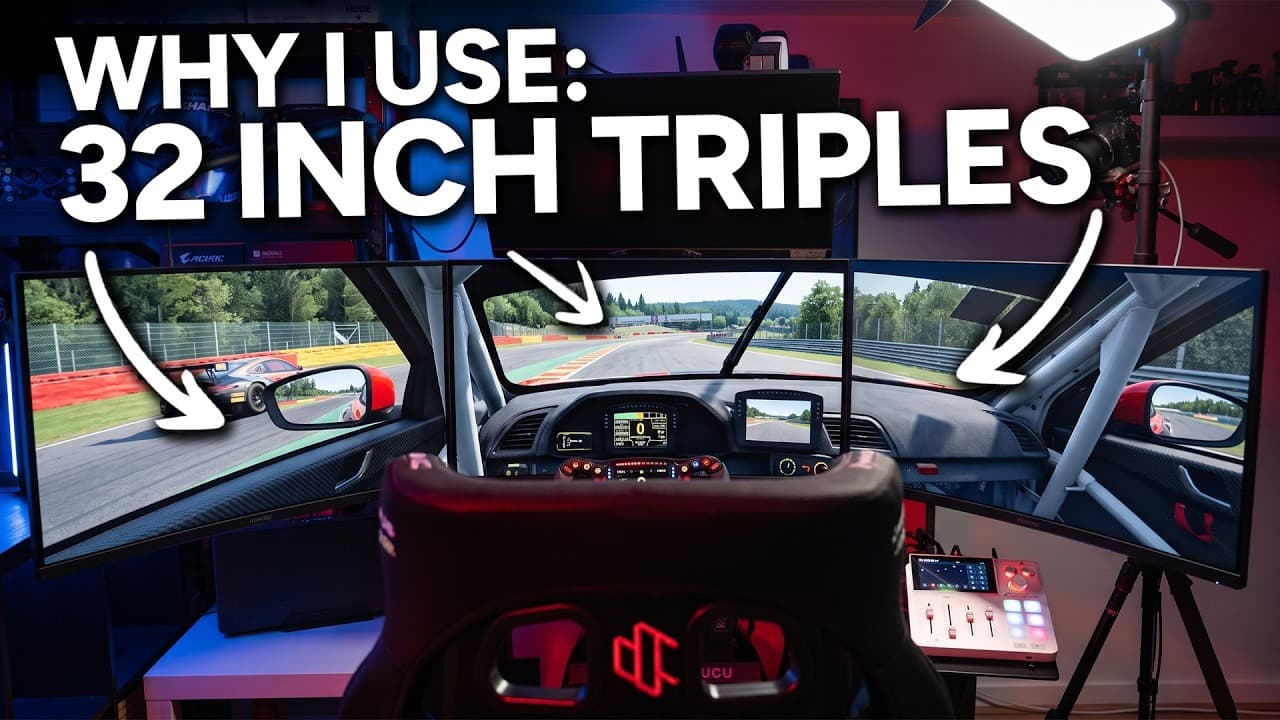
I run triple 32 inch 1440p now, having come from triple 1080p. The only reason I made the jump was content creation. I wanted my YouTube viewers to be able to watch in native 1440p, and the replays to look more cinematic. I knew I was going to take a frames hit and accepted it.

If I wasn't a creator, I'd probably still be on triple 1080p. A great setup that didn't hurt my driving one bit. Plenty of fast people run them and always will.

The 1440p sweet spot is real, but it's not a requirement. It's a luxury you have to be willing to pay for in money and in computer.

Leaving the pits on triple 32 inch 1440p still feels special, almost a year in. The cars look huge. Eau Rouge in the rain is silly. I can't pretend that didn't play into the choice.

A note on mounting

Triple monitor mounts are a seesaw.

A small detail almost nobody warns you about. Three large 1440p panels on standing arms, plus a PC bolted to the back of the rig as a counterweight, plus a single base plate on the floor, is mechanically a seesaw. One nudge and the whole thing rocks in slow motion.

A lot of generic monitor arms aren't built with that in mind. They come with one piece on the floor and a vertical post, and your monitors push the weight forward while your PC tries to pull it back. Balanced, it's fine. Wrong and you'll learn quickly.

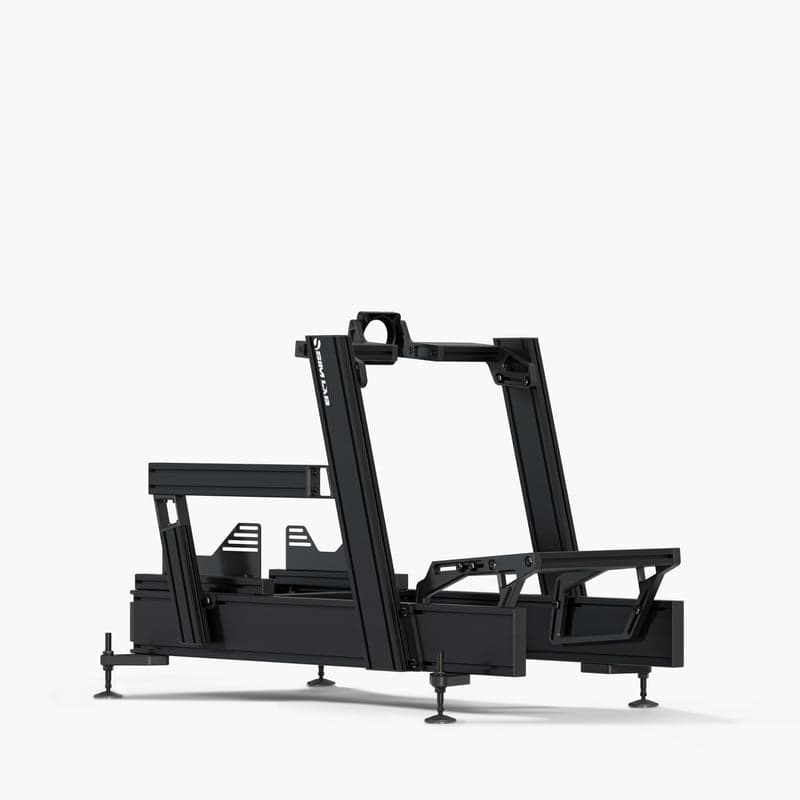
The fix is the right arms paired with a proper sim rig frame. I race on a Sim-Lab P1X Pro and the full walkthrough lives on the Sim-Lab page, including the arms that hold up triple 32s without drama.

Sim-Lab P1X Pro cockpit with triple monitors

My rig, Sim-Lab P1X Pro

Join our Irish Pub Community Discord with over 3.4K members.

The Irish Pub would love to have you, we've league races on Thursdays and the craic is mighty. Can't wait to see you there.

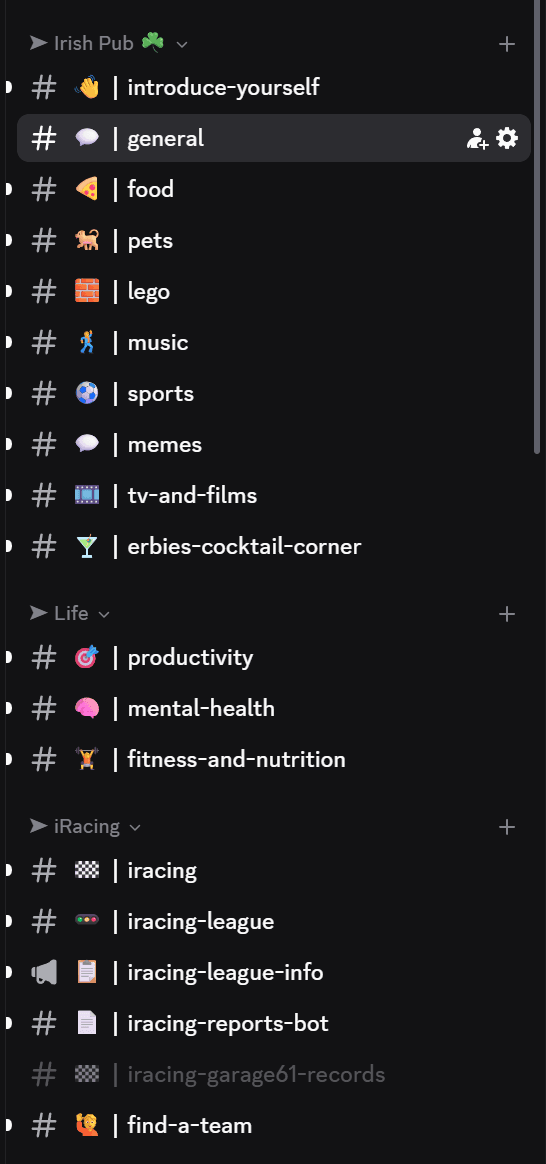
A peek at the JACKZER Discord channel list
JACKZER showing the SIMAGIC Zeus to a young racer

Channel partners