Sim-Lab
From the GT1 EVO to motion-ready P1-X frames, Sim-Lab kit handles whatever a direct-drive base throws at it.
Sim-Lab discount codeThe Sim-Lab rig I race on
A JACKZER Guide
Triples aren't plug and play. They're a big commitment, literally. They're big enough to be classed as furniture. The positives are obvious enough that everyone's already shouting about them, so this guide does the other side of the conversation. The friction you'll get used to, the realities you'll live with, and the alternative I'd steer a lot more people towards if they asked.
Start here
I still use triple screens every day, so whatever you read in this guide, know that I'm not telling you not to buy them. I'm telling you what nobody told me before I bought mine.
Triples reshape the room they live in. They reshape your PC's workload, and your standards once you've had them for a while. None of that is marketed at you when you're researching, because none of it is sexy. Almost all of it is manageable if you know it's coming.
The first half of this guide is friction you'll get used to. The second half is reality you'll live with.
Top-down view, from your seat
Triple 27"
~50 in / 1.28 m
~115° FOV
Triple 32"
~60 in / 1.52 m
~125° FOV
Samsung G9 49"
~45 in / 1.13 m
1000R, ~108° FOV
Top-down at sim seating distance, roughly an arm's length from the centre monitor, with a 55 degree wing angle on the triples. Ultrawide is the Samsung Odyssey G9 49" (1000R curve, ~113 cm chord, ~17 cm sagitta). Your numbers will vary by panel, bezel and angle.
Part one
These are setup-time problems. They feel huge the week you buy the monitors and they're largely forgotten about a month later. Worth knowing they exist all the same.
Buying one good monitor is hard enough. Buying three you won't regret in four years is a different exercise. IPS, OLED, VA, curvature, refresh rate, response time, panel lottery. There's a forum's worth of opinions for every spec.
Two options. Find someone who already runs triples that you trust and copy them, or spend a few evenings deep in the rabbit hole yourself. The first is faster, the second is more satisfying. Neither is wrong.
Practical
Ask three triple owners what they run and why. If two of them rave about the same panel, that's your shortlist. Simracing is a small enough community that this works.
Three monitors is more cables. Power, DisplayPort, the lot. The clean trick is a shelf behind the centre monitor where the cables can live, so everything coming into your rig is just a power cable and an ethernet cable. Treat the PC like the heart and run everything back to it. Accept that your rig will have a good side and a bad side. You're looking at the good side in every photo. The other side is where the cables hide.
Practical
A monitor stand or a Sim-Lab sim shelf behind the centre screen turns this from a daily annoyance into a one-time tidy-up.
The first few sessions with triples can genuinely feel like too much information. The sensation of speed is bigger, the peripheral vision is loaded, and your brain is suddenly being asked to track motion in places it wasn't before.
Stick with it. The adjustment period is short. Inside a week or two it stops being a lot of information and starts being normal. Once it's normal, going back to a single screen is genuinely jarring.
Practical
Don't change your in-game FOV settings in the first couple of days. Let your brain adapt to the picture before you start tweaking it.
I get asked about bezels constantly. People obsess over them before they have triples, then they get triples and realise the brain literally deletes the bezels for you. After a few hours of driving, you stop noticing they're there.
Bezel delete kits exist and they're cool if you want a clean photo. Honestly though, bezels are not the thing that will ruin your triple-screen experience.
Practical
Spend the bezel-kit money on a better wheelbase or a set of decent pedals. You'll feel the difference. You won't feel the bezel kit.
Getting triples set up perfectly the first time is a job. In-game bezel correction, angles, monitor distance from your face, focal length. It is complicated the first time. After that it's very quick to replicate. A hobby inside a hobby. Lean on tutorials or find a buddy who's done it before. iRacing has the best in-game calculator for this. Use it.
Practical
Measure your eye-to-centre-screen distance in centimetres. The whole alignment depends on that single number being right. Get it right once and write it down.
This one is niche but worth flagging because it's a proper trap. Some monitors have stands that flare out at the bottom and are narrower at the top, which means the panel itself isn't a clean rectangle. On triples, that means the centre screen has to be flipped upside down to make the geometry work, which then introduces a colour shift on a lot of IPS panels because they're only designed to be viewed one way up.
A friend of mine ended up in this exact mess. He spent three months chasing a calibration that was never going to land cleanly. The reason I'm telling you is less about the rectangle and more about the principle. There are weird, specific gotchas with triples that you will never know exist until they happen to you. Asking someone who already runs them avoids basically all of them.
Practical
Before you click buy, look up the monitor on a triples forum or the iRacing subreddit. If three people are running them on triples, you're fine. If nobody is, ask why.
Part two
Different category. None of these go away. You either accept them up front or they catch you out down the line.
This is the biggest single decision you'll make with triples and the one most people underestimate. You're asking your PC to render three monitors instead of one. That's not 1.5x the load, it's closer to 3x.
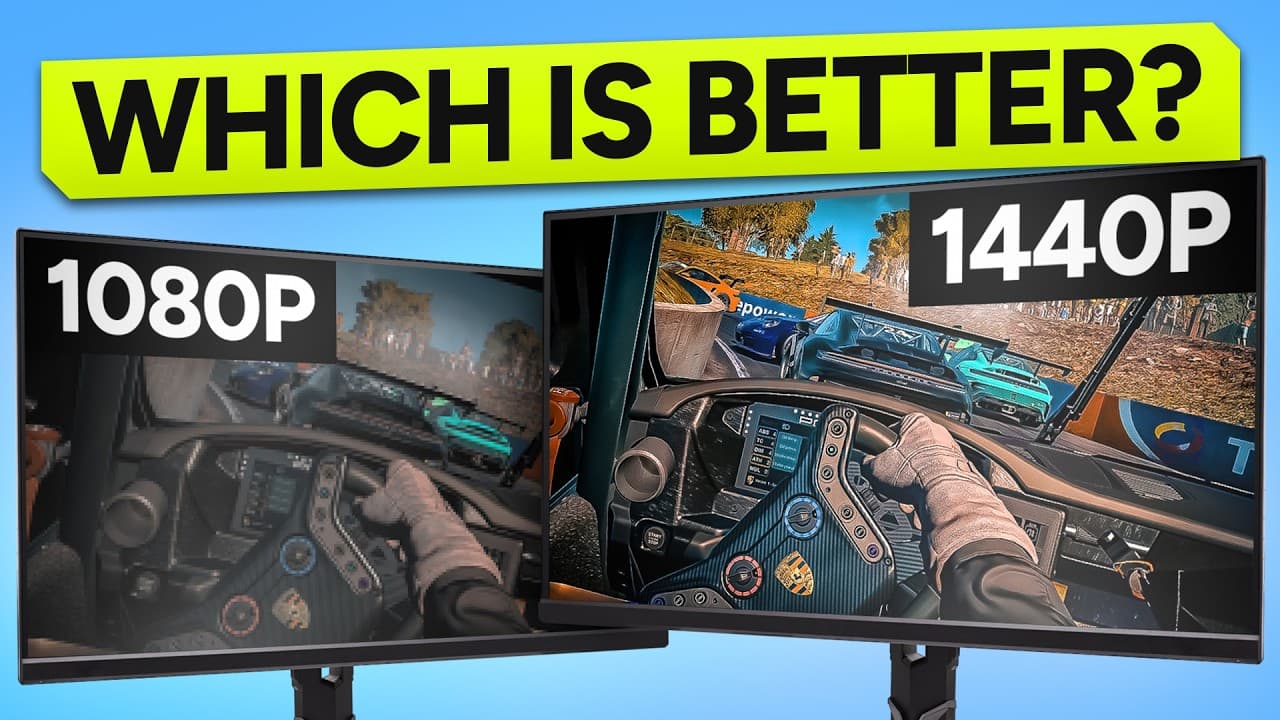
The 1080p vs 1440p call is where it all lives. A lot of esports drivers prefer triple 1080p because the frame rates are easier and the resolution is enough at the distance you sit from the screens. Triple 1440p looks significantly sharper, needs fewer maxed-out graphics settings to look good, and is what I'd steer most people towards if their PC can handle it. Triple 4K is in a different conversation. Unless you've a serious PC and a serious budget, leave it alone.
Triple 1080p
1920 x 1080 x 3
Upside
Easiest on the PC. High frame rates without compromise. Favoured by esports drivers.
Trade-off
Picture is softer up close. Less forgiving on graphics settings if you want it to look pretty.
Triple 1440p
2560 x 1440 x 3
Upside
Sharp picture, looks great without maxing settings, my pick for most people.
Trade-off
Needs a stronger PC. Can get choppy on lower-end hardware. Recording stacks fast.
Triple 4K
3840 x 2160 x 3
Upside
Stunning if you can drive it. Future-proof in a way the others aren't.
Trade-off
A serious GPU and a serious budget required. Easy to chase frame rate compromises that ruin the experience.
And this matters even more if you ever want to stream or record. The recording load on your PC stacks on top of the rendering load, and the corners cut to keep frame rates up start to show. I run mine at a stable 120Hz and I'm very happy with that. Higher numbers on paper aren't worth the choppiness when it matters.
Practical
Triple 1440p with a stable 120Hz frame rate beats triple 1440p with a fluctuating 200Hz in basically every case. Aim for consistency over peak numbers.
Triple 32 inch monitors, even at an aggressive toe-in, still measure about a metre and a half across, and creep closer to two metres if you run them flatter. At that point you stop talking about width and start talking about wingspan. Your rig is no longer a piece of gaming furniture. It's a piece of actual furniture.
Triple 27 inch is more reasonable but still not small. If space is tight, this is the variable that will hurt the most. Measure the room, sit a chair where the rig will go, hold your arms out wingspan-wide. That's your triples.
Practical
Have an honest conversation with whoever shares the room before you click buy. Returning three monitors is a heartbreak you can avoid.
You're buying three monitors. There's no clever way around that. The good news is they don't have to be the absolute best on the market. A decent gaming panel with a sensible refresh rate is more than fine. The price floor for a usable triple-screen setup is honestly lower than people think. The ceiling is where the spending gets out of hand.
There's also a psychological cost. Once you've expanded the rig to this degree, you can feel a kind of pressure to use it constantly to justify the spend. Pay attention to that. The hobby is supposed to be a release. It's okay to take breaks. The rig will still be there when you come back.
Practical
Keep the boxes and the original stands. A monitor with no stand is genuinely hard to sell. One day two of these become office monitors and the third becomes a TV in the kitchen. Plan for that day.
Not every sim plays nicely with triples. iRacing, ACC, Le Mans Ultimate, rFactor 2, all great native support. Others need tweaks, workarounds, or third-party tools like Flawless Widescreen. A handful never feel right at all.
You can absolutely end up with a beautiful triple-screen rig that you only really use for one or two titles. That doesn't make the rig wrong, but it's worth knowing before you spend the money. If your favourite sim isn't on the friendly list, it might shape your decision.
Practical
Before you buy, check that your main sim supports your exact triple setup natively. Google “[sim name] triple screen guide”. If the answer is a forum thread with three different workarounds, expect a tinker session every time you launch it.
Once you've raced on triples, going back to a single screen is genuinely difficult. Friend's house, arcade, esports event, doesn't matter. The picture feels small, the field of view feels claustrophobic, the cars feel closer to the camera than they should. A small thing in the grand scheme, but worth knowing. You aren't just upgrading your setup, you're upgrading your expectations. Great until you race anywhere else.
The alternative
If I wasn't doing content creation, where a 16:9 picture is just easier to share, I'd probably be on an ultrawide. One panel, one set of cables, one mounting point. The performance hit is a fraction of triples because your PC is only rendering one screen.
The field of view doesn't quite match a properly set up triple 32 inch rig. Triples sit around 115 to 125 degrees at a normal seating position and go wider still if you angle them in hard. An ultrawide can't do that. But the cost of that extra field of view, in frames, in euros, in space, in research, is genuinely huge. For a lot of people it isn't worth the price.
Ultrawides look like they were designed for simracing. No bezels, clean setup, easy to mount, and they make your rig feel like a proper cockpit rather than a flight simulator from the 80s.
The rig either way, Sim-Lab P1X Pro
The honest take
The best setup isn't the biggest one or the widest one. It's the one you actually enjoy using. If triples feel like a bit too much, ultrawides are a really nice middle ground.
A note on the mount
Three panels weigh a lot, and where they hang decides how well the whole thing works. Desk mounts flex, freestanding stands eat floor, and rig-integrated mounts move with the rig so the angles never drift. Sort the mount and the panel choice gets easier.
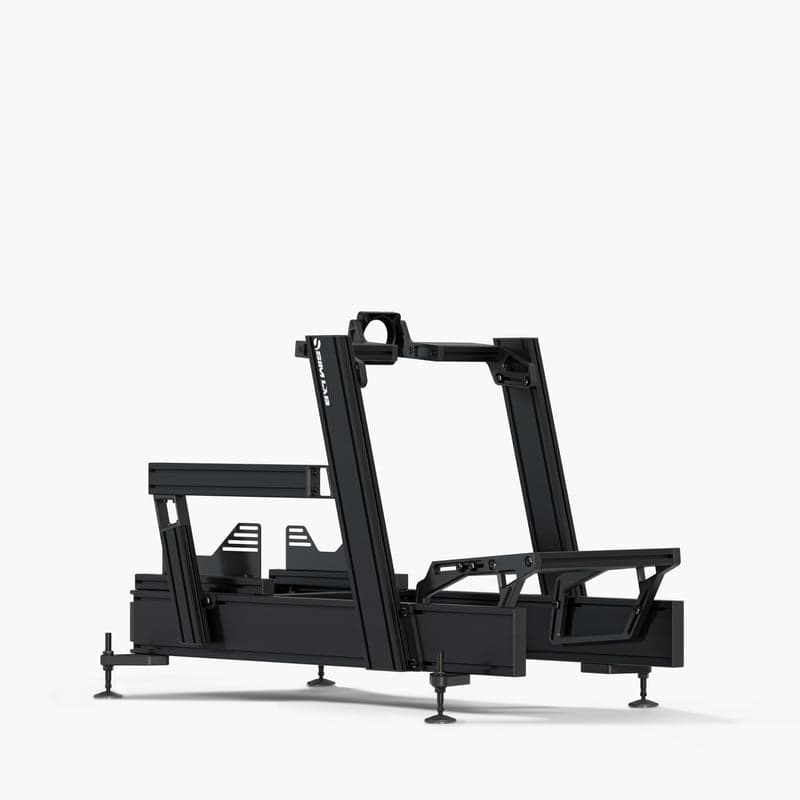
My triples hang off the Sim-Lab P1X Pro with their monitor mounts. The whole rig, piece by piece with links, is on the Sim-Lab page. If you've settled on triples and the question is now which resolution, that's its own guide. And if you want the five things triples actually give you on track, with an iRacing example for each, read triples vs a single screen.
Keep going
Everything below is something I personally use or have written. Affiliate links are marked the same way they are everywhere else on the site.
Related guides
1080p vs 1440p Triples
The deep dive on the resolution call. Pricing, PC pressure and the trade-offs in detail.
ReadTriples vs a Single Screen
The five advantages triples give you on track, with an iRacing example for each, and the single-screen hack.
ReadWhat's the right force feedback for you?
The companion guide. Same honest format, applied to FFB instead of monitors.
ReadSim-Lab, the rig I race on
Every piece of the P1X Pro cockpit I run, including the monitor mount and shelf.
ReadGear that matters here
From the GT1 EVO to motion-ready P1-X frames, Sim-Lab kit handles whatever a direct-drive base throws at it.
Sim-Lab discount codeThe Sim-Lab rig I race on
Based out of Drift Games HQ in Ireland. Consultation, planning, building and setup of advanced simracing rigs for private and commercial clients.

High-res PC VR built for sim and flight. Three Crystal variants, all with the JACKZER code.
Pimax Crystal discount codeEvery Pimax headset
Stock most of the SIMAGIC lineup plus a curated range of supporting hardware. UK/IRL/EU shipping, and code JACKZER takes 5% off.
Race Anywhere discount codeThe Irish Pub would love to have you, we have league races on Thursdays and the craic is mighty. Can't wait to see you there.

Written by
Irish simracing content creator and SIMAGIC ambassador
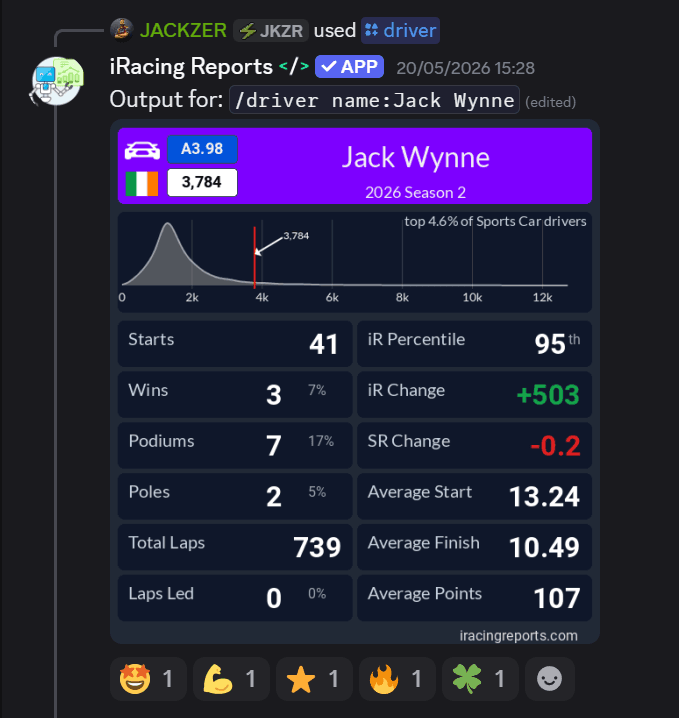
I'm Jack. I race, I make videos about it, and I've spent years in the simracing community watching the hardware market grow up around it. Before any of this I was an electrician, so I've always been a tinkerer. I like taking a product apart in my head and asking how it could look better, work better, or just make more sense.
I also studied psychotherapy, which helps me understand what's going on in my own head when I drive, and sometimes helps me explain it in a way that's useful to you too.
Published
Channel partners